Outcome
Year
Industry
The Expert-OCR platform revamp transformed a powerful but technically complex optical character recognition (OCR) and data extraction API into an intuitive, enterprise-grade SaaS application. This case study examines the user-centered design process and DesignOps implementation that created a unified interface for managing high-volume document processing, review, and integration workflows.
Process & Approach
The design process followed a developer-centric approach to creating a technical yet accessible interface:
User & Market Research: Identifying core pain points of operations analysts, data managers, and IT administrators through interviews, competitive analysis, and journey mapping.
Information Architecture Restructuring: Reorganizing the entire platform's navigation and data flow around user tasks, moving away from a feature-centric model.
Visual System & Prototyping: Developing a clean, professional UI language and interactive prototypes focused on the critical "review and correct" workflow.
Component System Design: Building a modular, reusable library of UI components to ensure consistency and accelerate development.
Cross-Functional Handoff: Establishing clear DesignOps workflows for seamless collaboration between design, front-end, and back-end engineering teams
Design System Story
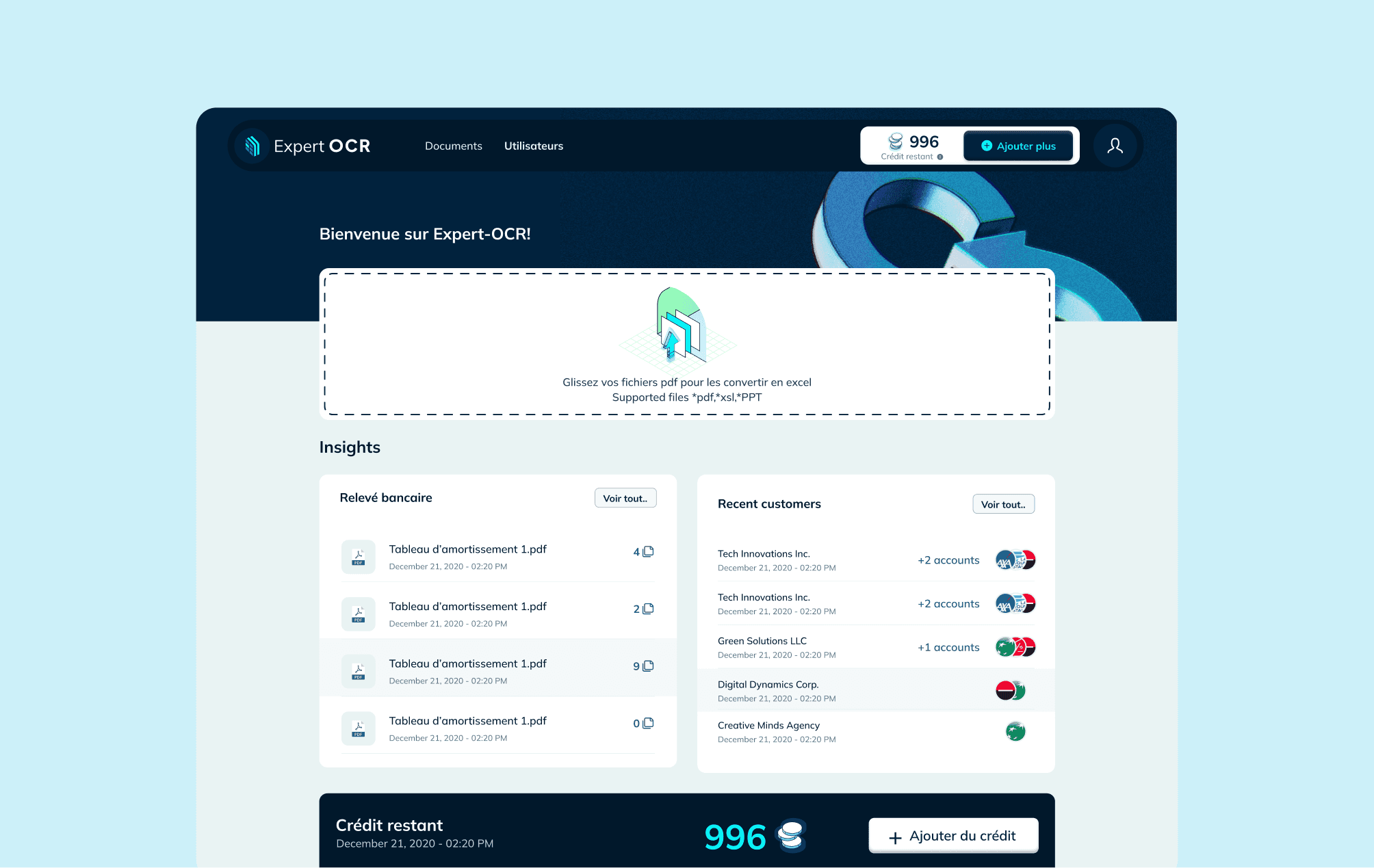
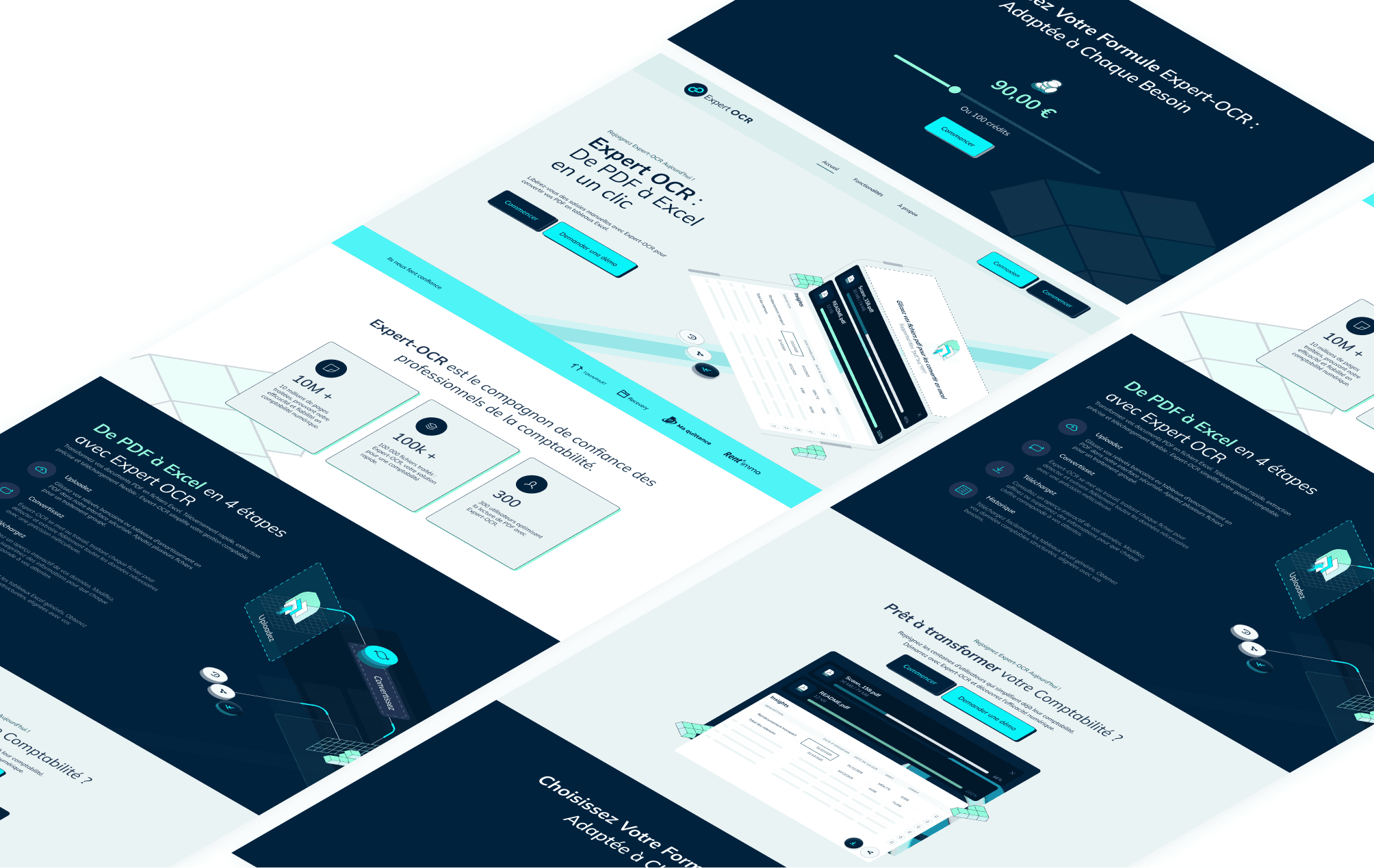
Workflow-First Framework: The UI is explicitly organized around the core document processing pipeline—Upload, Process, Review, Export—making the system's purpose immediately clear.
Progressive Disclosure Narrative: Each project guides the user from a high-level dashboard summary, to a batch processing canvas, down to the detailed, side-by-side document review interface.
Confidence-Based Visual Hierarchy: Extracted data is prioritized and color-coded based on the OCR engine's confidence scores, instantly directing user attention to fields requiring verification.
Role-Adaptive Context: The interface surfaces different tools and information based on user persona—simplifying tasks for business operators while exposing configuration depth for technical administrators.
Solution
The delivered solution features a comprehensive and user-focused interface system:
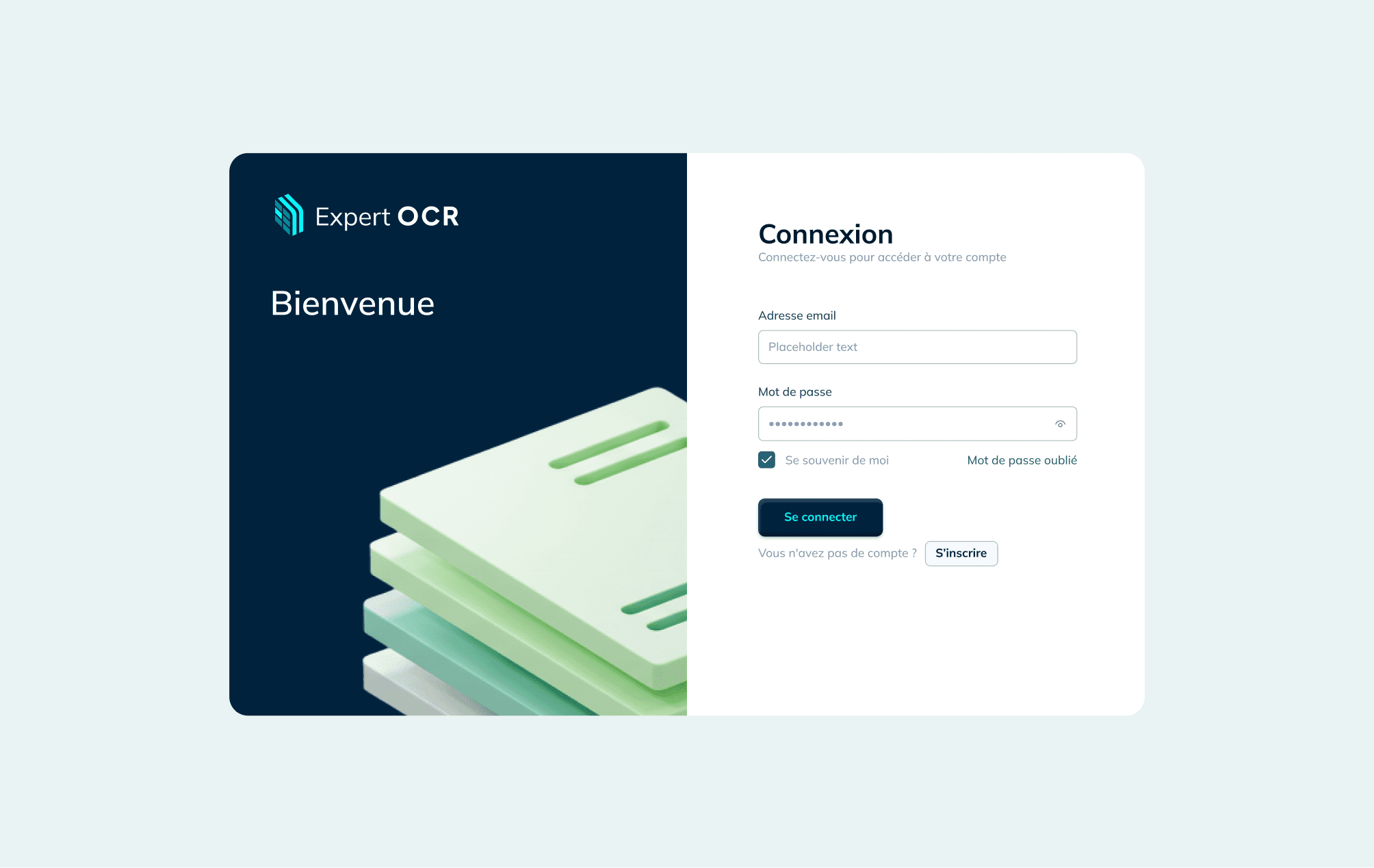
Light-Themed, Professional Workspace: A clean, light-mode interface optimized for lengthy data validation tasks, reducing eye strain and improving focus on document details.
Canvas-Based Processing Architecture: A central, visual workspace where documents move through processing stages as interactive cards, giving users direct manipulation and clear status awareness.
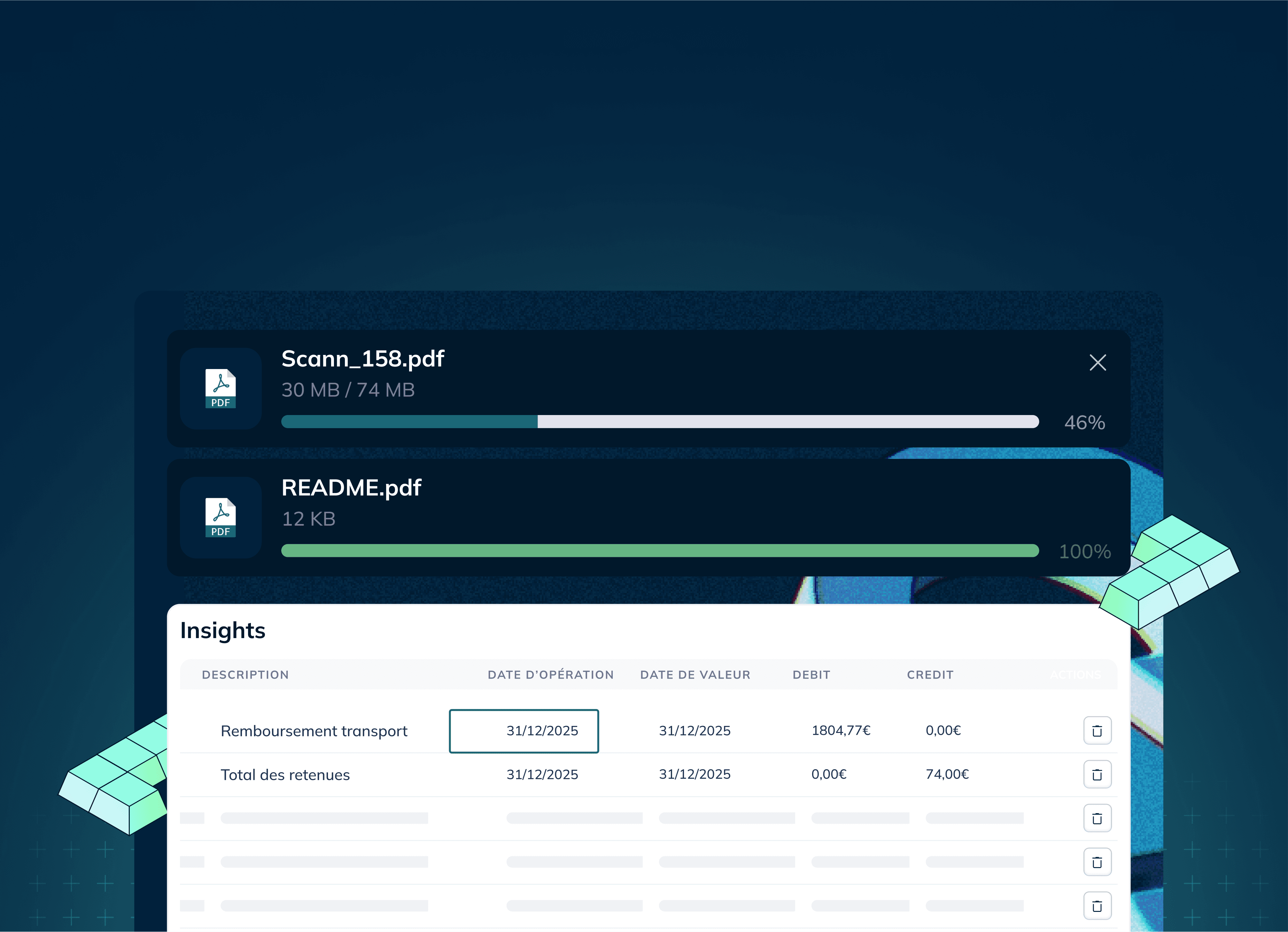
Unified Review Visualization: The signature side-by-side view presents the original document image adjacent to editable, extracted data fields, eliminating disruptive context-switching.
Strategic Color & Interaction Strategy: Use of a primary blue for actions, with semantic colors (green/amber/red) for confidence indicators. Interactive states clearly guide users through complex correction tasks.
Fully Responsive Layout: An adaptive grid ensures core monitoring and review tasks are accessible on tablets and larger screens, accommodating various workplace setups.
Impact & Results
The Expert-OCR UI/UX redesign delivered measurable improvements for both users and the business:
Cognitive Load Reduction: Complex batch processing and data validation were simplified into intuitive, visual steps, making expert capabilities accessible to non-technical users.
Actionable Decision Support: Clear confidence indicators and visual comparison tools enabled faster, more accurate decisions on data verification, improving output quality.
Cross-Role Alignment: A common visual language and workflow bridged the gap between business unit operators (focusing on throughput) and IT teams (focusing on integration).
Development Efficiency: The implemented DesignOps practices and component library reduced front-end implementation time for new features by an estimated 30%.
Platform Scalability & Adoption: The modular system readily supported the phased rollout of new AI features. User engagement with advanced features like template builders increased by 80%.
Key Aesthetic Insights
This project reinforced several critical principles for enterprise application design:
Clarity Over Feature Count: Exposing fewer, well-organized options in the primary workflow reduced paralysis and support tickets more effectively than making all features visible.
Designing the "Last Mile": The greatest usability gains came from deep focus on the final validation and correction step—the most tedious yet critical part of the user's workflow.
Systematic Consistency as a Feature: For technical SaaS products, a predictable and consistent interface directly builds user trust in the system's reliability.
Operationalizing Design: Embedding DesignOps from the project's start was crucial for maintaining design fidelity and a unified vision through an 8-month development cycle.
Accessibility Through Context: Making complex data extraction understandable was achieved not by simplification, but by providing the right original document context at the right time.
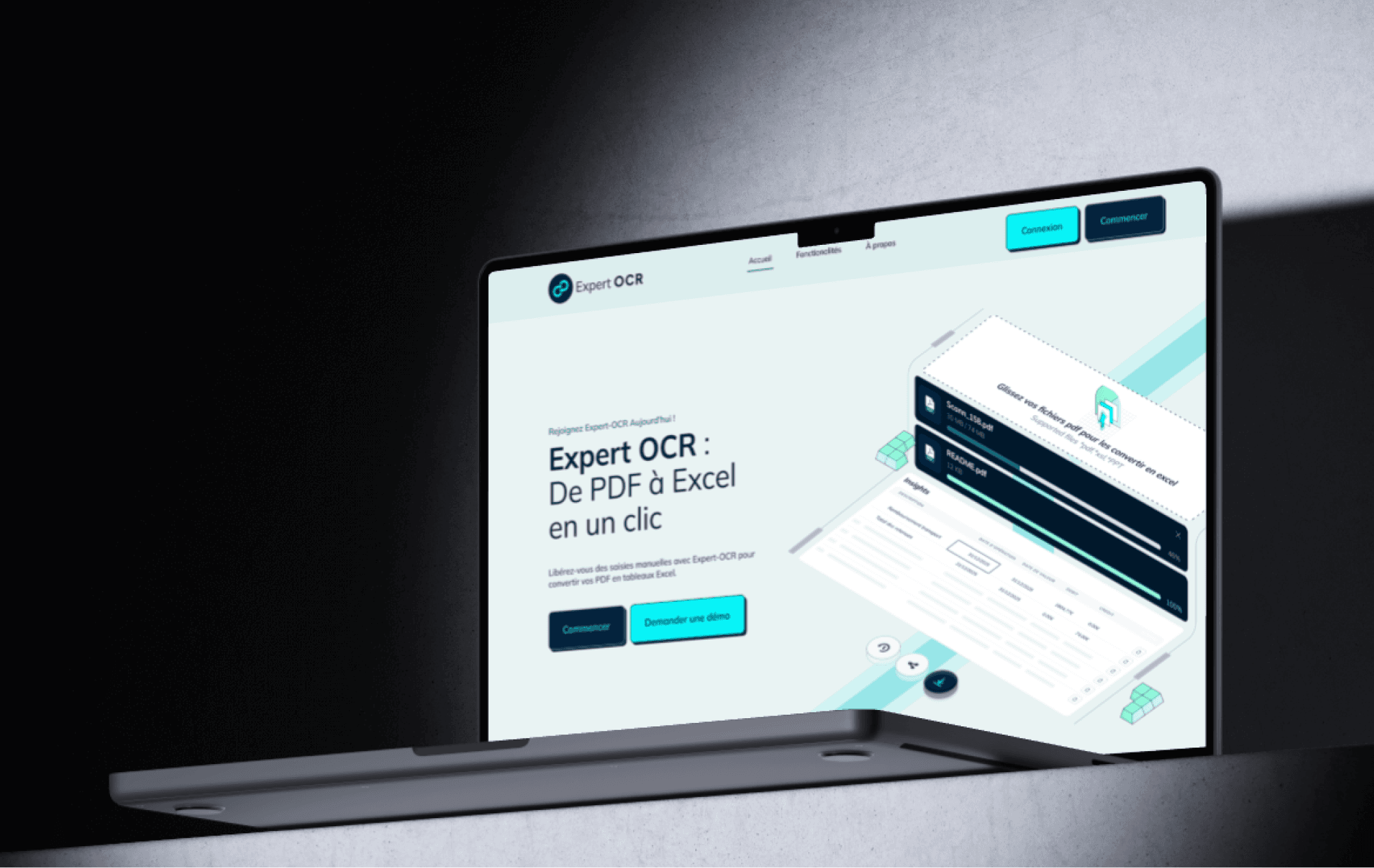
The Expert-OCR revamp demonstrates how user-centered design and robust DesignOps can transform a specialized technical tool into a streamlined, adoptable, and scalable business platform, ultimately turning a powerful engine into a product users prefer to use.